






Professional IT & Technology Virtual Backgrounds for Video Calls | Online Meeting Background | Virtual Meeting Background
$5.00
Description
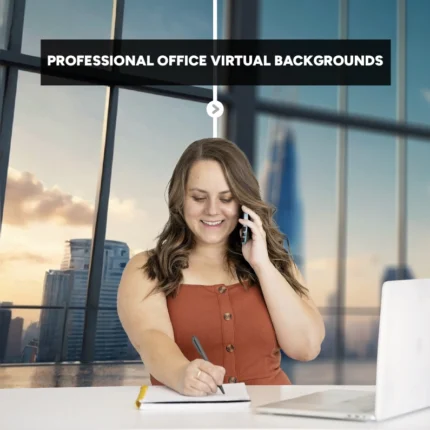
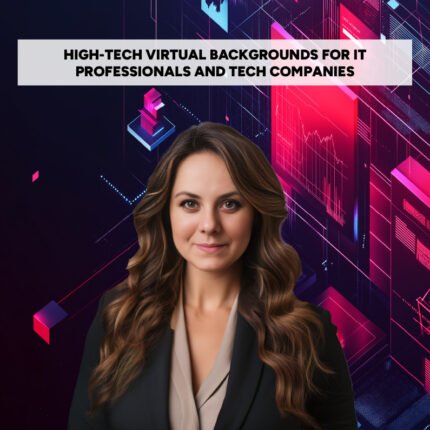
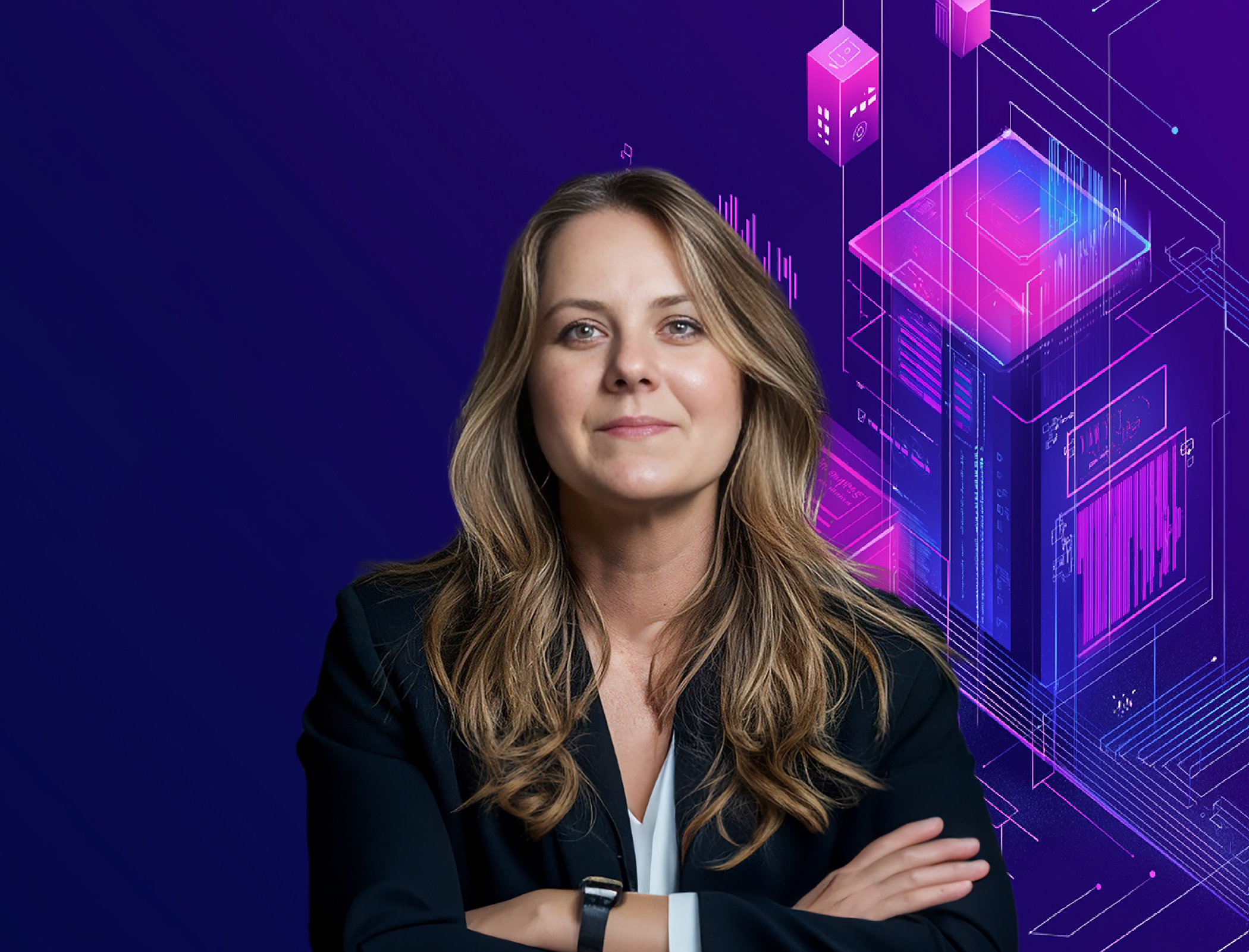
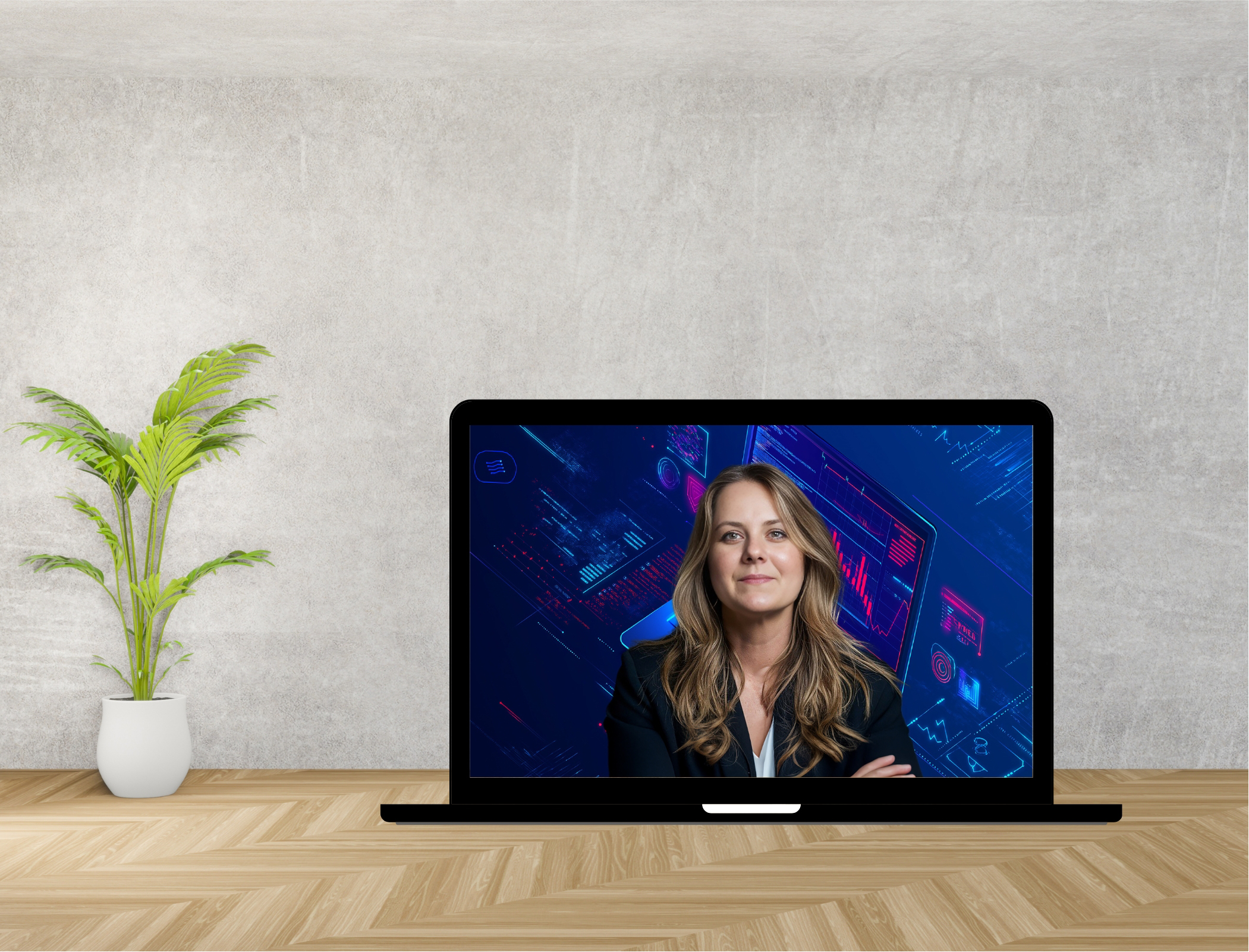
Upgrade your virtual meetings with these sleek and professional backgrounds designed specifically for IT and technology professionals. Perfect for any business setting, these digital backgrounds will help you make a strong first impression, allowing you to maintain a polished and distraction-free environment during virtual meetings.
Whether you’re in a client meeting, a virtual conference, or a team call, these backgrounds ensure you present yourself with professionalism and minimize distractions.
𝗜𝗻𝗰𝗹𝘂𝗱𝗲𝗱 𝗶𝗻 𝘁𝗵𝗲 𝗣𝗮𝗰𝗸𝗮𝗴𝗲:
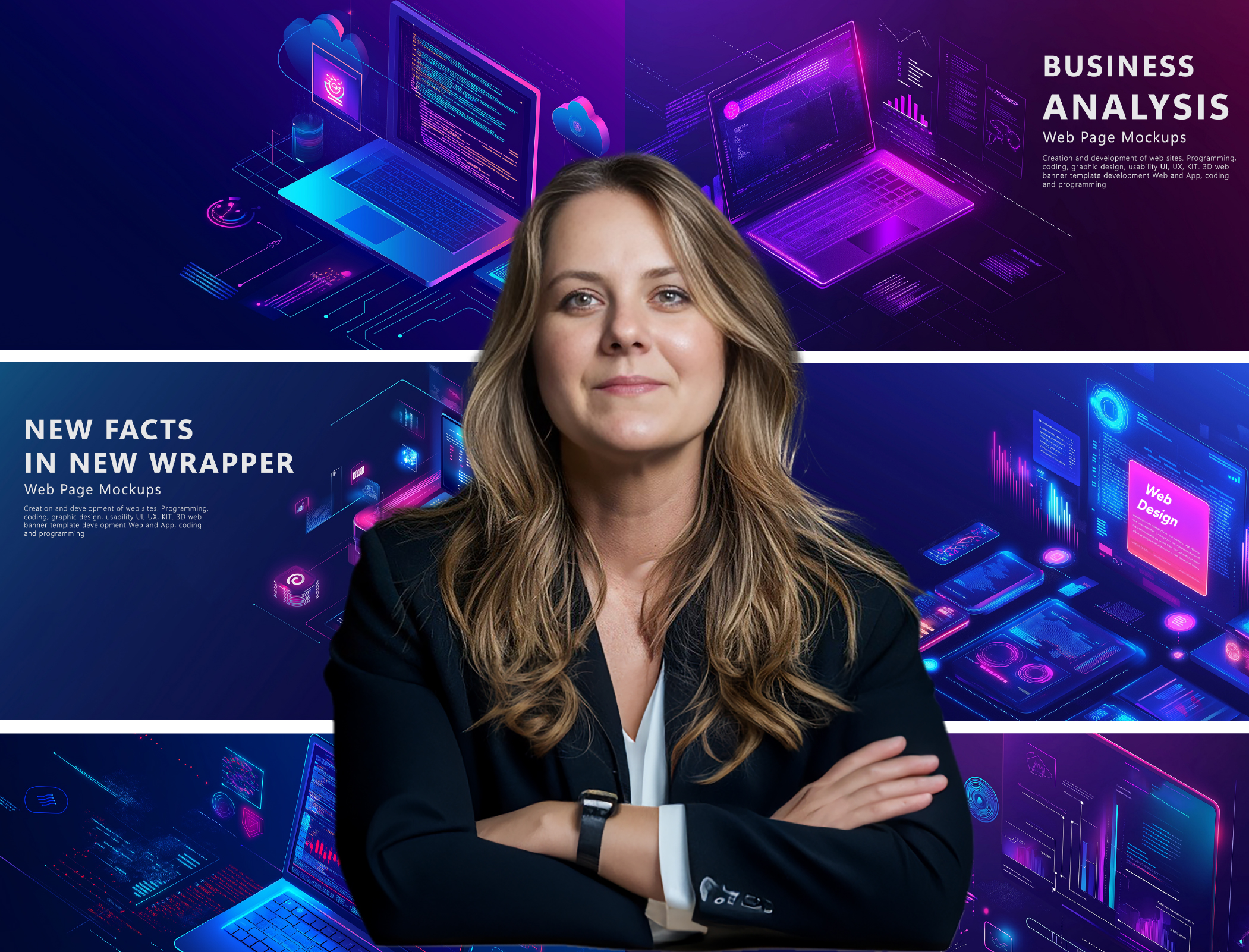
☑️ 10 Original Backgrounds
☑️ 10 Blurred Backgrounds
☑️ High-Resolution (1920×1080) for a crisp, clear display
☑️ 16:9 Ratio, ideal for all modern screens
☑️ Compatible with all major meeting apps (Zoom, Teams, Google Meet, Webex, Skype)
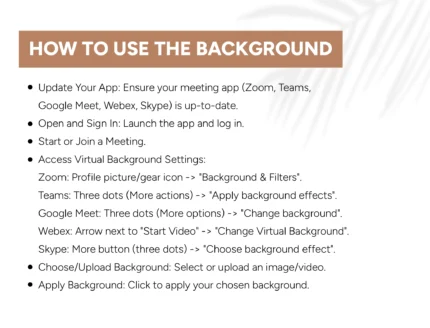
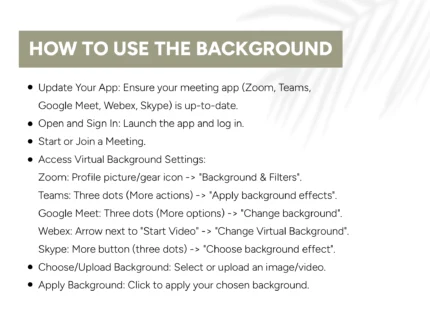
𝗘𝗮𝘀𝘆 𝗦𝘁𝗲𝗽𝘀 𝘁𝗼 𝗔𝗽𝗽𝗹𝘆 𝗬𝗼𝘂𝗿 𝗕𝗮𝗰𝗸𝗴𝗿𝗼𝘂𝗻𝗱:
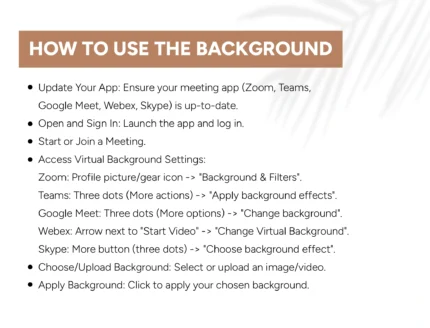
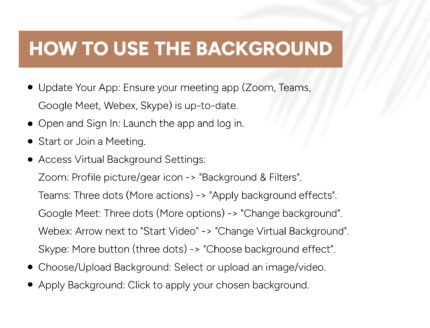
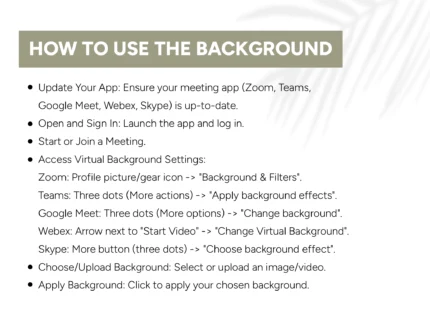
➡️ Update Your App: Make sure your video meeting app (Zoom, Teams, Google Meet, Webex, Skype) is up-to-date.
➡️ Log In: Open your app and log in.
➡️ Join or Start a Meeting.
🔹 Access Background Settings:
🔹 Zoom: Go to your profile picture/gear icon -> Background & Filters.
🔹 Teams: Click the three dots (More actions) -> Apply background effects.
🔹 Google Meet: Click the three dots (More options) -> Change background.
🔹 Webex: Click the arrow next to Start Video -> Change Virtual Background.
🔹 Skype: Click the More button (three dots) -> Choose background effect.
➡️ Choose/Upload Background: Select or upload your chosen image/video.
➡️ Apply Background: Click to set your selected background.
𝗪𝗵𝗼 𝗖𝗮𝗻 𝗨𝘀𝗲 𝗧𝗵𝗶𝘀:
IT and Tech Professionals
Software Developers
Business Analysts
Project Managers
Entrepreneurs
Any professional seeking a clean, tech-themed virtual setting
𝗪𝗵𝘆 𝗬𝗼𝘂’𝗹𝗹 𝗟𝗼𝘃𝗲 𝗧𝗵𝗶𝘀 𝗣𝗿𝗼𝗱𝘂𝗰𝘁:
☑️Make a Great First Impression: Show your professionalism and attention to detail with a polished, tech-savvy background that speaks to your expertise.
☑️Stay Focused: With the option to use blurred backgrounds, keep distractions at bay and ensure the focus stays on you and your message.
☑️Seamless Integration: These backgrounds are compatible with all popular video conferencing apps, making setup simple and hassle-free.